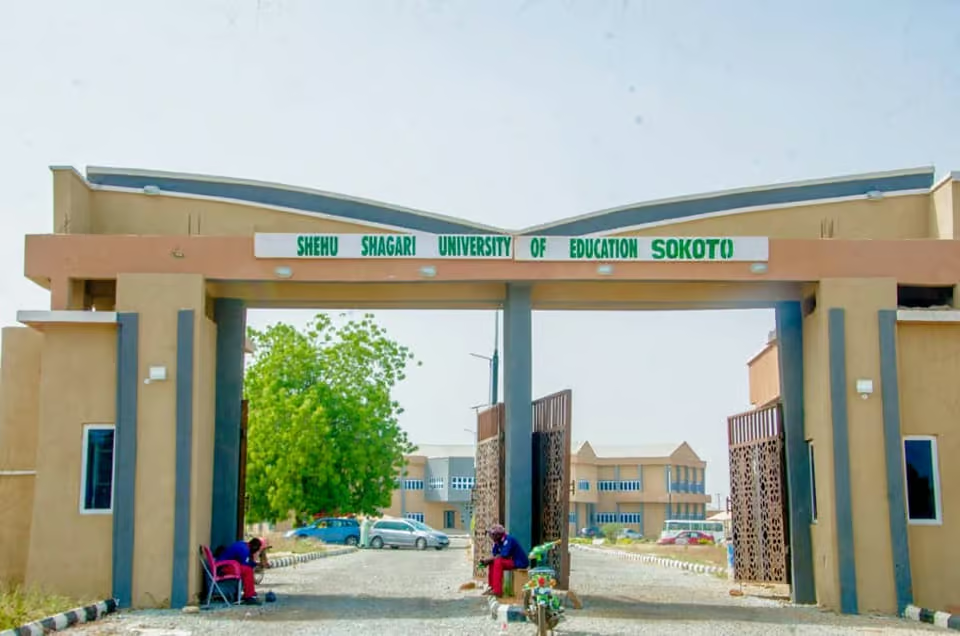

EducationNGR reports that Shehu Shagari University of Education, Sokoto (SSUES) has issued a clear step-by-step guide for all students admitted for the 2025/2026 academic session. The instructions cover acceptance fee payment, online screening, and physical confirmation of admission.
Quick Summary of the SSUES Admission Process
Newly admitted students are expected to:
-
Check their admission status on the SSUES students portal
-
Pay the Acceptance and Screening fee online
-
Log in again to update their profile and upload required documents
-
Print all necessary forms and payment evidence
-
Proceed to the designated venue for confirmation of admission
Who Should Follow These SSUES Guidelines
These procedures apply strictly to candidates who have been offered admission into Shehu Shagari University of Education, Sokoto for the 2025/2026 academic session.
EducationNGR also learnt that students must complete all steps before they can be recognised as fully registered SSUES students.
Step 1: Check Admission Status on the Portal
To begin:
How to Check
-
Visit the SSUES students portal
-
Click “Check Admission Status” on the left side of the page
-
Enter your JAMB Registration Number
-
Select “Check Admission”
If the portal confirms your admission, proceed to the payment stage.
Step 2: View and Pay the Acceptance and Screening Invoice
Next:
-
Click “View Invoice”
-
Open the Acceptance and Screening Invoice
-
Select “Click Here to Pay Online”
-
Choose Card Payment or Bank Transfer
-
Follow the prompts and print your payment invoice after completing the process
This single payment covers both acceptance and screening for the 2025/2026 academic year.
Step 3: Log In and Complete Online Profile
After payment:
-
Return to the portal homepage
-
Log in using your JAMB Registration Number as both username and password
-
Fill in required fields including:
-
Bio-data
-
Next of kin details
-
O-Level / A-Level results
-
Passport photograph upload
-
Signature upload
-
Ensure all details match your physical documents to avoid delays during confirmation.
Step 4: Print Forms and Payment Evidence
When the online profile is completed:
-
Print two copies of the Bio-data form
-
Print two copies of the Evidence of Payment
These documents will be required at the confirmation venue.
Step 5: Attend the Confirmation of Admission Venue
Students must report to the official Confirmation of Admission venue with all documents.
Officials will verify original credentials, photocopies, and printed portal forms. Only candidates who satisfy all requirements will have their admission fully confirmed.
Documents Required for Confirmation of Admission
Candidates must present originals and photocopies of the following:
Required Documents
-
Primary School Certificate
-
O’Level or A’Level results
-
Birth Certificate or Declaration of Age
-
Indigene Certificate
-
Any other document required by SSUES
-
JAMB Admission Letter (Candidate Copy and Institutional Copy)
-
Recent passport photographs
Students are advised to keep these items neatly arranged for smooth verification.
Registrar’s Reminder on Following the Rules
The Registrar emphasised that every admitted student must strictly follow the official steps—online and physical.
EducationNGR also learnt that compliance ensures a smooth, organised admission process for the 2025/2026 academic session.