Federal Polytechnic Nekede
Fed Poly Nekede ND Morning Admission List 2025/2026

The Federal Polytechnic, Nekede Admission List for the 2025/2026 academic session has been released. The management of the Federal Polytechnic, Nekede, Owerri, has published the first, second, third, fourth, and fifth batches of successful candidates admitted into the National Diploma (ND) morning programme. Applicants who took part in the screening can now check their admission status online.

How to Check the Federal Polytechnic, Nekede Admission List

Candidates can easily confirm their admission through the school’s official portal by following these steps:


  1. Visit the Federal Polytechnic, Nekede admission portal.
  2. Enter your application number in the space provided.
  3. Click ‘Log In’ to access your admission details.

If your name appears, congratulations. You have been offered provisional admission into one of the ND programmes at Federal Polytechnic, Nekede.

What to Do If You Are Admitted

Once you have confirmed your name on the admission list, follow these steps to finalise your admission:

  1. Accept or Reject Your Admission: Log in to the JAMB CAPS portal to either accept or reject your offer.
  2. Print Your JAMB Admission Letter: After accepting, print your letter through the JAMB Admission Letter portal.
  3. Proceed with School Registration: Visit the polytechnic’s portal to complete your registration and payment of the required fees.

How to Check Your Federal Polytechnic, Nekede Admission Status on JAMB Portal

You can also confirm your admission on the JAMB website. Here’s how:

  1. Go to the JAMB E-Facility portal.
  2. Log in using your JAMB username and password.
  3. Select ‘Check Admission Status’.
  4. Click ‘Access my CAPS’.
  5. Choose ‘Admission Status’ to see if you’ve been offered admission into Federal Polytechnic, Nekede.

What to Expect After Admission

Newly admitted students should start preparing for registration and clearance. All required documents, including the JAMB Admission Letter and original credentials, must be presented during the verification process.

Delta State University, Abraka
DELSU 1st Batch Merit Admission List 2025/2026 Out

The DELSU Admission List for the 2025/2026 academic session has been released. The management of Delta State University (DELSU) has published the names of candidates offered provisional admission into its various first-degree programmes. This is an exciting update for all applicants who participated in the DELSU Post-UTME and Direct Entry screening exercises.

How to Check the DELSU Admission List

Candidates can check their admission status online by following the steps below:


  1. Visit the DELSU student portal.
  2. Log in using your JAMB Registration Number and password.
  3. Click on ‘View Admission Status’ to check if you have been admitted.

If your name appears on the list, congratulations! You have been offered provisional admission into Delta State University for the 2025/2026 session.

What to Do After Checking the DELSU Admission List

Once you have confirmed your admission, take the following steps to finalise your registration:

  1. Accept or Reject the Admission: Log into the JAMB CAPS portal and choose to accept or reject your offer.
  2. Print Your JAMB Admission Letter: After accepting the offer, print your official letter from the JAMB Admission Letter portal.
  3. Proceed with Registration: Follow the instructions on the DELSU portal to pay your acceptance fee and begin your clearance process.

How to Check Your DELSU Admission Status on the JAMB Portal

You can also confirm your admission status directly through JAMB using these steps:

  1. Go to the JAMB E-Facility portal.
  2. Log in with your JAMB username and password.
  3. Select ‘Check Admission Status’ from the menu.
  4. Click on ‘Access my CAPS’.
  5. Tap ‘Admission Status’ to see if you have been offered admission into DELSU.

What Comes Next

Admitted students are advised to start registration early and make all required payments through the official school portal. During clearance, they should bring original copies of all credentials and receipts for verification.

Michael Okpara University of Agriculture, Umudike (MOUAU)
MOUAU 1st Batch Merit Admission List 2025/2026 -Pdf

The MOUAU Admission List for the 2025/2026 academic session has been released. The management of Michael Okpara University of Agriculture, Umudike (MOUAU), has published the names of candidates offered provisional admission into various degree programmes. For many applicants, this brings long-awaited relief as they can now confirm their admission status online.

How to Check the MOUAU Admission List

Candidates who applied for admission can check their names using any of the two options below:


Option 1:
View the complete list through this MOUAU Admission List PDF link.

Option 2:
Check directly on the MOUAU Admission Portal by following these steps:

  1. Visit the portal link above.
  2. Enter your JAMB registration number in the provided field.
  3. Click Submit to see your admission status.

If your name appears on the list, congratulations—you’ve been offered provisional admission into one of the university’s undergraduate programmes.

What to Do After Confirming Your Admission

Once your admission is confirmed, complete the following steps to secure your place:

  1. Accept or Reject Your Admission: Visit the JAMB CAPS portal to either accept or reject the offer.
  2. Print Your JAMB Admission Letter: Once you’ve accepted, print your admission letter through the JAMB Admission Letter portal.
  3. Proceed with MOUAU Registration: Follow the university’s registration schedule to complete your clearance and documentation.

Checking Your MOUAU Admission Status on the JAMB Portal

You can also verify your admission status directly on the JAMB website. Here’s how:

  1. Go to the JAMB E-Facility portal.
  2. Log in with your JAMB username and password.
  3. Scroll down and select ‘Check Admission Status’.
  4. Click ‘Access my CAPS’.
  5. Tap ‘Admission Status’ to view your offer from MOUAU.
Nasarawa State College of Health Science & Technology
Nasarawa College of Health Science & Tech Admission List 2025/2026

The Nasarawa State College of Health Science & Technology Admission List for the 2025/2026 academic session has been released. The management of the Nasarawa State College of Health Science and Technology, Keffi (NSCOHSTK) has published the names of candidates offered provisional admission into its National Diploma (ND) programmes.

All applicants who participated in the admission process can now check their status through the JAMB CAPS portal.


How to Check Nasarawa State College of Health Science & Technology Admission List

To confirm your admission status, follow the steps below:

  1. Visit the JAMB E-Facility Portal.
  2. Log in using your JAMB email address and password.
  3. Scroll down and click Check Admission Status.
  4. Select Access my CAPS.
  5. Click Admission Status to view your result and see if you have been offered admission into Nasarawa State College of Health Science & Technology, Keffi.

Understanding Your JAMB CAPS Status

Here’s what each response on the JAMB CAPS portal means:

  • ADMISSION OFFERED:
    You have been officially offered admission. Accept or reject it on the CAPS portal.
  • ADMISSION IN PROGRESS (AIP):
    Your application has been reviewed by the school and sent to JAMB for final approval.
  • RECOMMENDED:
    Your details are awaiting JAMB’s confirmation before a final decision is made.
  • NOT ADMITTED:
    You haven’t been offered admission yet. This might mean your school’s list is still being processed.
  • PENDING:
    Your admission status is still under review. Check back regularly for updates.

How to Accept or Reject Your Admission Offer

If you’ve been offered admission, you can confirm it in two ways:

  • Visit any JAMB-authorised CBT Centre to accept or reject the offer using biometrics.
    You can find one near you through the JAMB Accredited Centre List.
  • Or, send ACCEPT or REJECT via SMS to 55019 or 66019 using the phone number linked to your JAMB profile.

Once you’ve accepted your admission, print your official JAMB Admission Letter for documentation.

Troubleshooting for Mobile Users

If you are checking your status on a mobile phone and can’t see the Admission Status option, switch to Desktop Mode on your browser.
For the best experience, use Google Chrome, tap the menu icon, and select Request Desktop Site to display the full page.

Umaru Musa Yar’adua University (UMYU)
UMYU Part-Time Admission List 2025/2026 Released

The UMYU Part-Time Admission List for the 2025/2026 academic session has been released. The School of Continuing Education (SCE) at Umaru Musa Yar’adua University (UMYU) has published the names of candidates offered provisional admission into various part-time degree programmes for the new session.

Both UTME and Direct Entry applicants who applied for part-time studies can now check their admission status online through the University’s portal.


How to Check UMYU Part-Time Admission List

Follow these steps to confirm your admission:

  1. Visit the official UMYU SCE Admission Portal at https://sceportal.umyu.edu.ng/applicant/index.
  2. Log in using your application details.
  3. View and print your admission letter.
  4. Proceed to pay the acceptance fee through the same portal.

Alternatively, candidates can check the full list directly from the official university link below:
UMYU Part-Time First and Second Admission List (Merged).

Next Steps for Admitted Students

After confirming your name on the UMYU Part-Time Admission List, newly admitted students should:

  • Pay the acceptance fee promptly to confirm their offer.
  • Print the official admission letter for record purposes.
  • Prepare for registration at the School of Continuing Education office.

All admitted students are encouraged to complete these steps early to secure their places in the programme.

Umaru Musa Yar’adua University (UMYU)
UMYU 1st Batch Merit Admission List 2025/2026 Out

The UMYU Admission List for the 2025/2026 academic session has been released. Candidates who applied for admission into Umaru Musa Yar’Adua University (UMYU) degree programmes through the UTME can now check their admission status online.

The first (Merit) batch includes the names of candidates who successfully met the University’s admission requirements and have been offered provisional admission into various undergraduate courses


How to Check UMYU Admission List

To find out if you have been offered admission, follow these simple steps:

Step 1: Check the Merit List

Visit the official UMYU website to view the Merit Admission List.
Screening and verification will take place from Monday, 21 October 2024, to Monday, 4 November 2024.

If your name appears on the list, proceed with the next steps to secure your place.

Step 2: Accept Admission on JAMB CAPS

  1. Visit the JAMB CAPS Portal.
  2. Log in to your profile using your JAMB credentials.
  3. Accept or reject your admission offer.

Step 3: Confirm Admission on UMYU Portal

  1. Go to the UMYU Applicant Portal.
  2. Log in with your details.
  3. Confirm your admission and pay the acceptance fee.

Step 4: Print Required Documents

After confirming your admission, print:

Important Information for Admitted Candidates

Osun State Polytechnic OSPOLY Iree
OSPOLY 1st Batch Admission List 2025/2026 Released

The OSPOLY Admission List for the 2025/2026 academic session has been released.

Candidates who participated in the Osun State Polytechnic, Iree (OSPOLY) Post-UTME screening exercise can now check their admission status online.


This list contains the names of candidates offered admission into the National Diploma (ND) full-time programmes for the new academic year.

How to Check the OSPOLY Admission List

At present, the OSPOLY Admission List can be accessed through the JAMB CAPS portal. Follow the steps below to confirm your admission status:

  1. Visit the JAMB E-Facility portal.
  2. Log in using your JAMB username and password.
  3. Scroll down and click Check Admission Status.
  4. Select Access my CAPS.
  5. Click on Admission Status to view your result.

Understanding the JAMB CAPS Messages

Below are possible messages you might see and what they mean:

  • ADMISSION OFFERED: Congratulations, your admission has been approved. You can now accept or reject it on the CAPS portal.
  • ADMISSION IN PROGRESS (AIP): Your admission is being processed and is awaiting approval.
  • RECOMMENDED: Your school has recommended you, and JAMB is reviewing your application.
  • NOT ADMITTED: You have not yet been offered admission; this could mean the process is ongoing.
  • PENDING: Your application is still under consideration.

Next Steps After Admission

If you have been offered admission:

  1. Accept or reject your offer at an approved JAMB CBT Centre or via SMS by sending ACCEPT or REJECT to 55019 or 66019 using your registered phone number.
  2. Print your JAMB Admission Letter.

Tip for mobile users:
If you are checking CAPS on a mobile phone and only see the welcome message, switch to Desktop Mode using your browser’s menu (recommended browser: Chrome).

Shehu Shagari University of Education, Sokoto
SSUES 1st Batch Merit Admission List 2025/2026 Out

The SSUES Admission List for the 2025/2026 academic session has been released.

Candidates who applied to the Shehu Shagari University of Education, Sokoto (SSUES) can now check their admission status online through the JAMB CAPS portal.


Students who participated in the post-UTME screening exercise are advised to follow the steps below to confirm their admission offer.

How to Check the SSUES Admission List

At this time, the SSUES Admission List is available only on the JAMB CAPS portal. Follow these steps to check your admission status:

  1. Visit the JAMB E-Facility portal.
  2. Log in using your JAMB username and password.
  3. Scroll down and click Check Admission Status.
  4. Select Access my CAPS.
  5. Click on Admission Status to view whether you have been offered admission to SSUES.

What the JAMB CAPS Messages Mean

You might see one of the following responses after checking your status:

  • ADMISSION OFFERED: Congratulations, your admission has been approved. You can now accept or reject the offer.
  • ADMISSION IN PROGRESS (AIP): Your admission is being processed and awaiting final approval.
  • RECOMMENDED: Your application has been recommended and is under review by JAMB.
  • NOT ADMITTED: You are yet to be offered admission. This might mean the list is still being updated.
  • PENDING: Your application is still under consideration.

What to Do After You Are Admitted

Candidates who have been offered admission should:

  1. Accept or reject the offer either at an approved JAMB CBT centre or via SMS by sending ACCEPT or REJECT to 55019 or 66019 using their registered phone number.
  2. Print their JAMB Admission Letter.

If you are using a mobile device and cannot see the full CAPS page, switch your browser to desktop mode. The Chrome browser is recommended for easy access.

Babcock University
Babcock University Merit Admission List 2025/2026 Out

The Babcock University Admission List for the 2025/2026 academic session has been released.

Candidates who applied to the university can now check their admission status both on the JAMB CAPS portal and the Babcock University admission portal.


This guide provides clear steps on how to confirm your admission and complete all necessary acceptance procedures.

How to Check the Babcock University Admission List

You can confirm your admission status through two platforms: the JAMB CAPS portal and the Babcock University Admission Portal.

Option 1: Check through JAMB CAPS

  1. Visit the JAMB E-Facility portal.
  2. Log in using your JAMB email and password.
  3. Scroll to Check Admission Status and click it.
  4. Choose Access my CAPS.
  5. Select Admission Status to see if you have been offered admission to Babcock University.

For Mobile Users

If using a phone and you cannot see the full CAPS page, switch to Desktop Mode using your browser’s menu. The Chrome browser is recommended for best results.

Understanding JAMB CAPS Responses

  • ADMISSION OFFERED: Congratulations! Your admission has been approved. Accept or reject the offer on CAPS.
  • ADMISSION IN PROGRESS (AIP): Your application is being processed for final approval.
  • RECOMMENDED: JAMB is reviewing your school’s recommendation.
  • NOT ADMITTED: Your admission is still under consideration or yet to be released.
  • PENDING: Your application is awaiting decision.

What to Do After You Are Admitted

Candidates who have been offered admission should:

  1. Accept or reject the offer either at an approved JAMB CBT centre or via SMS by sending ACCEPT or REJECT to 55019 or 66019 using their registered phone number.
  2. Print their JAMB Admission Letter.

Option 2: Check via Babcock University Admission Portal

  1. Visit the Babcock University Admission Portal.
  2. Log in with your application email address and password.
  3. Check your admission status and print your admission letter from the same portal.

Admission Acceptance Fee

Candidates offered admission should pay a non-refundable acceptance fee:

  • ₦200,000 – for all courses except Law, Medicine, and Nursing.
  • ₦300,000 – for Law and Nursing.
  • ₦500,000 – for Medicine.

This fee is part of the overall tuition and confirms your acceptance of the admission offer.

Payment Process

Follow these steps after your admission is confirmed:

  1. On the congratulatory message page, click Next.
  2. Upload your JAMB Admission Letter.
  3. Proceed to the Acceptance Fee window and click Make Payment.
  4. After payment, download and print your receipt.
  5. To pay your school fees balance, click Make Additional Payment on the menu.
  6. Complete your Acceptance Form by selecting it from the top-left menu of the portal.
Osun State University (UNIOSUN)
UNIOSUN Supplementary Admission List 2024/2025 Out

The UNIOSUN Supplementary Admission List for the 2025/2026 academic session has been released.

This update gives applicants another chance to confirm if they have been offered provisional admission into the Osun State University (UNIOSUN) undergraduate programmes.


Students who were not included in the merit list can now check this supplementary list to see if they made it.

How to Check the UNIOSUN Supplementary Admission List

Follow these steps to check your admission status:

  1. Visit the UNIOSUN Admission Portal.
  2. Select your application type from the options provided.
  3. Enter your JAMB registration number and password (created during your initial registration).
  4. Click Sign In to view your admission status.

Ensure you log in with the correct credentials used during your application.

Next Steps After Admission Offer

If you have been offered admission, complete these actions:

Completing these steps secures your place in the university’s academic calendar for the 2025/2026 session.

Note for Applicants

The UNIOSUN Supplementary Admission List serves as an additional opportunity for qualified candidates who were not included in the first list. Applicants are advised to act quickly after confirming their admission to avoid missing registration deadlines.

Federal Polytechnic Bida BIDAPOLY
Federal Polytechnic Bida ND Admission List 2025/2026 Out

The Federal Polytechnic, Bida Admission List for the 2025/2026 academic session has been released. The management has published the first batch list for National Diploma (ND) full-time programmes. Candidates who took part in the post-UTME screening exercise can now confirm their admission status.

This release marks another step for applicants looking to begin their studies at Federal Polytechnic, Bida (BIDAPOLY).


How to Check the Federal Polytechnic, Bida Admission List

Follow these steps to check your admission status:

  1. Visit the Federal Polytechnic Bida admission portal.
  2. Enter your JAMB registration number in the required field.
  3. Click Submit to view your admission status.

If your name appears on the list, proceed with the next actions below.

Next Steps for Admitted Candidates

  1. Accept or Reject the Admission: Go to the JAMB CAPS portal to accept or reject your admission offer.
  2. Print the JAMB Admission Letter: After accepting the offer, print your JAMB Admission Letter.
  3. Follow Registration Instructions: Review the Federal Polytechnic Bida Registration and Documentation Guide for detailed instructions on completing your registration and paying the acceptance fee.

Candidates are encouraged to print and keep all official documents for future reference.

Additional Information

The Federal Polytechnic, Bida Admission List includes candidates admitted into various ND programmes across departments. Students who are not yet admitted are advised to check back regularly, as more batches may still be released.

Kogi State College of Nursing Sciences
Kogi State College of Nursing Sciences Admission List 2025/2026

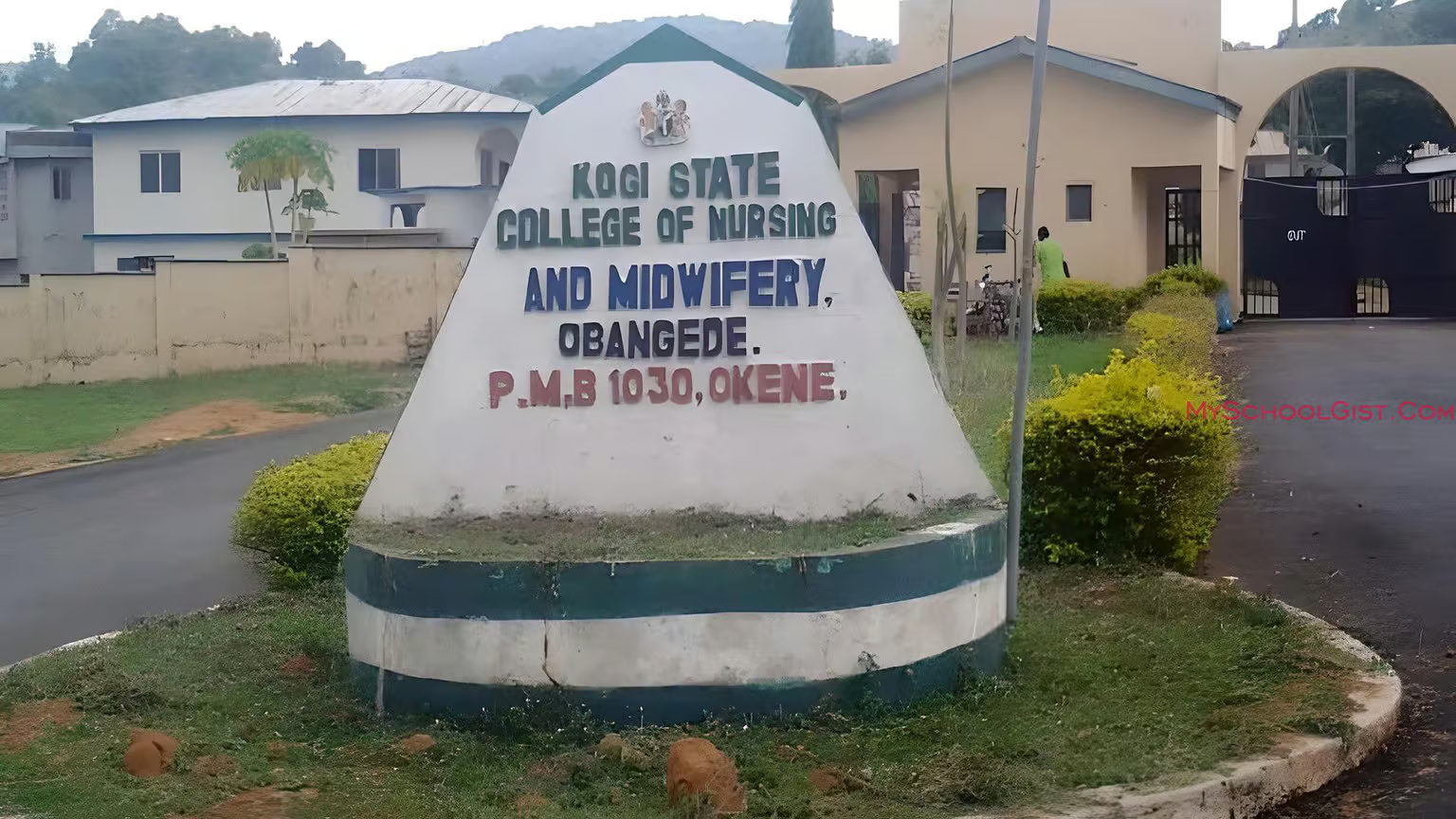
The Kogi State College of Nursing Sciences Admission List for the 2025/2026 academic session has been released. This list contains the names of candidates offered admission into the ND and HND Nursing programmes at the Kogi State College of Nursing Sciences, Obangede.

If you applied for admission, you can now check your status through the JAMB CAPS portal using the steps below.


How to Check the Kogi State College of Nursing Sciences Admission List

Currently, candidates can only confirm their admission status through the JAMB CAPS portal. Follow these steps carefully:

  1. Visit the JAMB E-Facility portal.
  2. Log in with your JAMB username and password.
  3. Scroll down and select Check Admission Status.
  4. Click Access my CAPS.
  5. Tap on Admission Status to see if you have been offered admission into the Kogi State College of Nursing Sciences.

What Each Admission Status Means

When you check your status, you may see one of the following messages:

  1. Admission Offered: Congratulations! Your admission has been approved. You can now accept or reject it on the JAMB CAPS portal.
  2. Admission in Progress (AIP): Your school has recommended you for admission, and it is awaiting final approval from JAMB.
  3. Recommended: Your application has been reviewed by the school and sent to JAMB for validation.
  4. Not Admitted: You are yet to be considered for admission. This could mean your application is still under review or your school’s list has not been fully uploaded.
  5. Pending: Your admission process is still being reviewed.

What to Do After You’ve Been Offered Admission

If you see “Admission Offered”, follow these steps:

  • Accept or reject your admission by sending ACCEPT or REJECT to 55019 or 66019 using your registered phone number.
  • After accepting, print your JAMB Admission Letter.

Note: If you’re checking on a mobile phone, you might not see all options on the CAPS page. Use the desktop site view on the Chrome browser by selecting “Request desktop site” from the options menu to access the full page.

Federal University Dutse (FUD)
FUD 1st Batch Merit Admission List 2025/2026 Out

The Admission List for the 2025/2026 academic session has been released by the management of the Federal University Dutse (FUD). This marks the start of a new academic chapter for successful candidates across various undergraduate programmes.

If you applied for admission into FUD, you can now check your status online through the JAMB CAPS portal.


How to Check the FUD Admission List

At the moment, candidates can only confirm their admission status through the JAMB CAPS portal. Follow the steps below:

  1. Visit the JAMB E-Facility portal.
  2. Log in with your JAMB username and password.
  3. Scroll down and select Check Admission Status.
  4. Click Access my CAPS.
  5. Select Admission Status to see if you’ve been offered admission into the Federal University Dutse (FUD).

What Each Admission Status Means

Here’s what the different admission messages on the JAMB CAPS portal mean:

  1. Admission Offered: Congratulations! You’ve been admitted. You can now accept or reject the offer on the portal.
  2. Admission in Progress (AIP): Your school has recommended you for admission, and it’s awaiting final approval from JAMB.
  3. Recommended: Your application meets the requirements and is waiting for JAMB’s confirmation.
  4. Not Admitted: You haven’t been offered admission yet. This could mean your school’s list is still uploading or your application is pending.
  5. Pending: Your admission is still under review. Check back later for updates.

After You’ve Been Offered Admission

If your admission status shows “Admission Offered”, follow these steps:

  • Send ACCEPT or REJECT to 55019 or 66019 using your registered phone number.
  • After accepting, print your JAMB Admission Letter.

Tip for Mobile Users: If you’re checking your status on a phone, you may not see the full page on CAPS. Use the desktop mode on your Chrome browser by selecting “Request desktop site” to view all available options.

NAUB
Nigerian Army University Admission List 2026/2027 Out

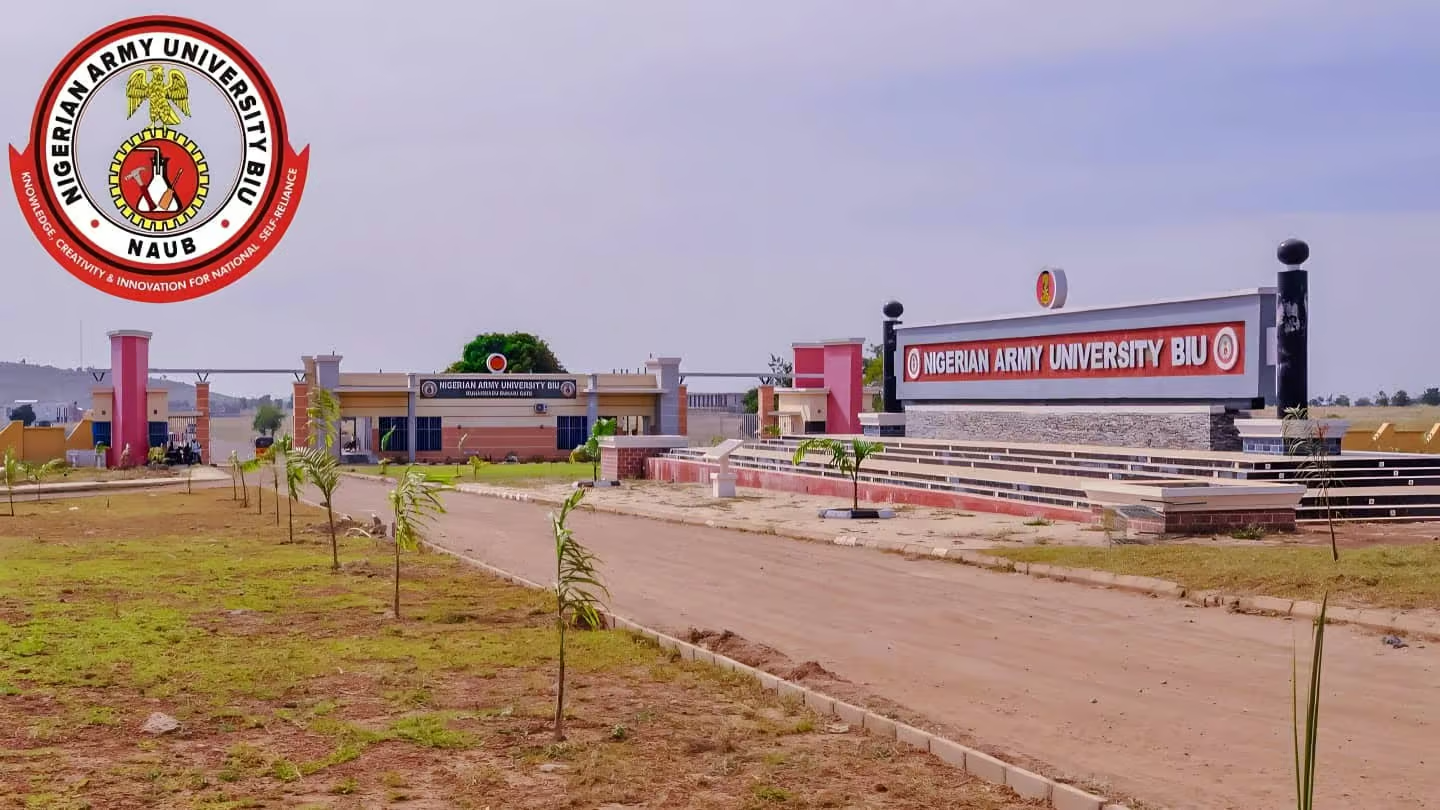
The NAUB Admission List for the 2026/2027 academic session is out. Candidates who applied for admission into the Nigerian Army University Biu (NAUB) through UTME or Direct Entry can now check their admission status online.

The management of NAUB has successfully uploaded the admission list, and candidates can confirm their status through the JAMB CAPS portal.


How to Check the NAUB Admission List

You can check your admission status using the JAMB CAPS portal. Follow these steps carefully:

  1. Visit the JAMB E-Facility portal.
  2. Log in with your JAMB username and password.
  3. Scroll down and click Check Admission Status.
  4. Select Access my CAPS.
  5. Click Admission Status to see if you have been offered admission into Nigerian Army University Biu (NAUB).

Understanding Your Admission Status on JAMB CAPS

When you check your status, you may get one of the following messages:

  1. Admission Offered: Congratulations! You have been admitted. You can now accept or reject the offer on the JAMB portal.
  2. Admission in Progress (AIP): Your school has recommended you for admission. It is now waiting for JAMB’s final approval.
  3. Recommended: Your details have been sent to JAMB for review and possible approval.
  4. Not Admitted: Your application has not been approved yet, or the list is still being updated.
  5. Pending: Your application is still under consideration. Check back later for updates.

What to Do After Being Offered Admission

If your status shows “Admission Offered”, take the following actions:

  • Send ACCEPT or REJECT to 55019 or 66019 using your registered phone number.
  • Print your JAMB Admission Letter after accepting your offer.

Note: If you are checking your admission on a phone, you might not see all the options on CAPS. Use desktop mode on the Chrome browser by selecting “Request desktop site” to access the full page.

FPTB
Fed Poly Bauchi HND Admission List 2025/2026 is Out

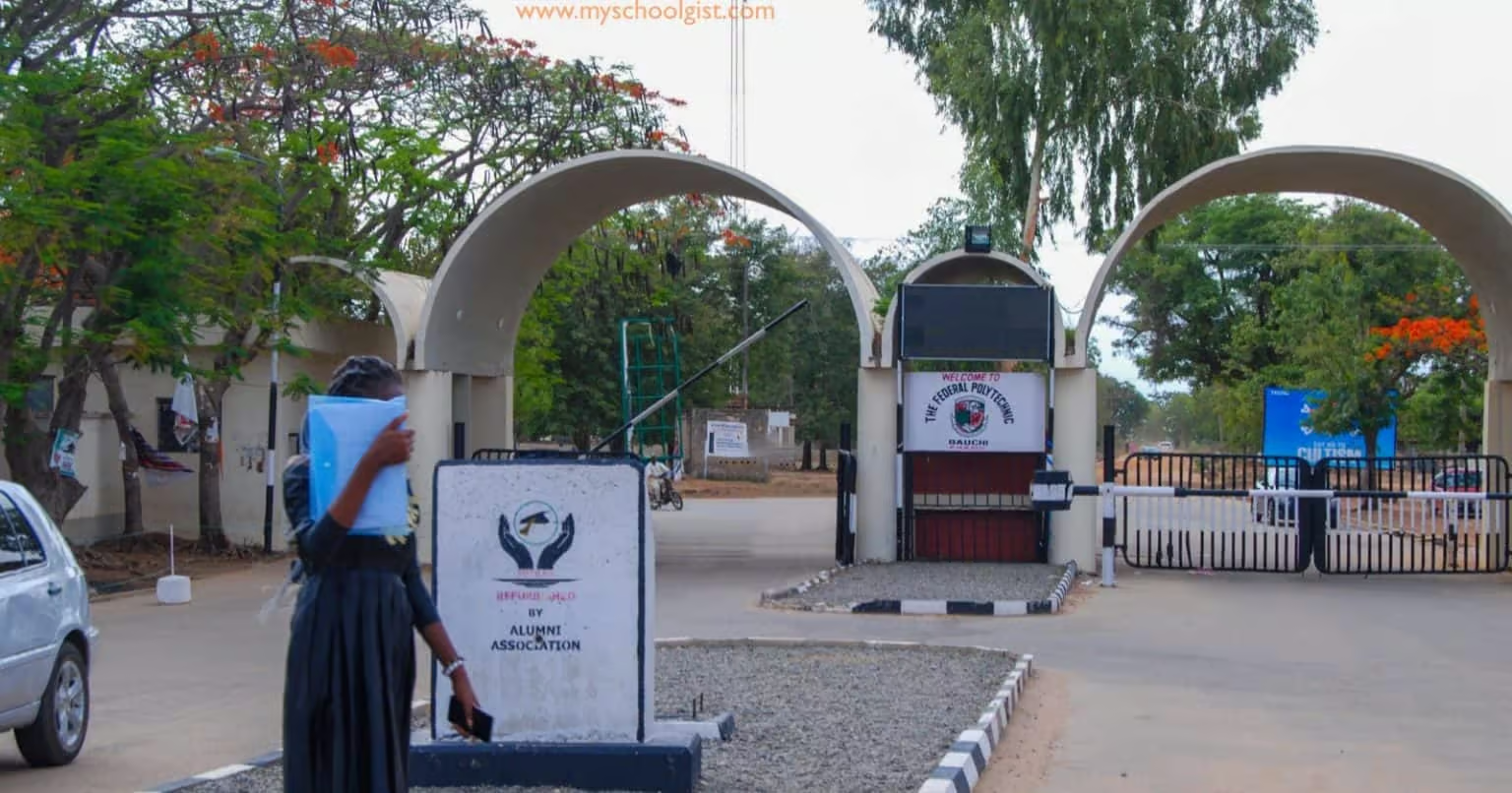
The FPTB HND Admission List for the 2025/2026 academic session has been released. The management of the Federal Polytechnic Bauchi (FPTB) has published the first batch of admitted candidates for the Higher National Diploma (HND) programmes.

If you applied for admission into the HND programme, you can now check your status online using the school’s admission portal.


How to Check the FPTB HND Admission List

To view your admission status on the Federal Polytechnic Bauchi (FPTB) HND Admission List, follow these simple steps:

  1. Visit the Federal Polytechnic Bauchi Admission Status Portal.
  2. Select Academic Year as 2025/2026.
  3. Enter your Applicant Details – either your full name or application number.
  4. Choose your Department from the drop-down list.
  5. Select HND as your Level of Study.
  6. Click Display List to check your admission status.

If your name appears on the list, congratulations! You’ve been offered admission into the HND programme at Federal Polytechnic Bauchi.

Next Steps After Checking Your Admission Status

Once your name is confirmed on the FPTB HND Admission List, make sure to:

  • Print your admission notification slip from the portal.
  • Prepare all required documents for registration, including your ND certificate, O’Level results, and evidence of payment for processing fees.
  • Follow the school’s registration schedule and complete the necessary steps at your department.