BYSCONS
BYSCONS ND/HND Nursing Admission List 2025/2026

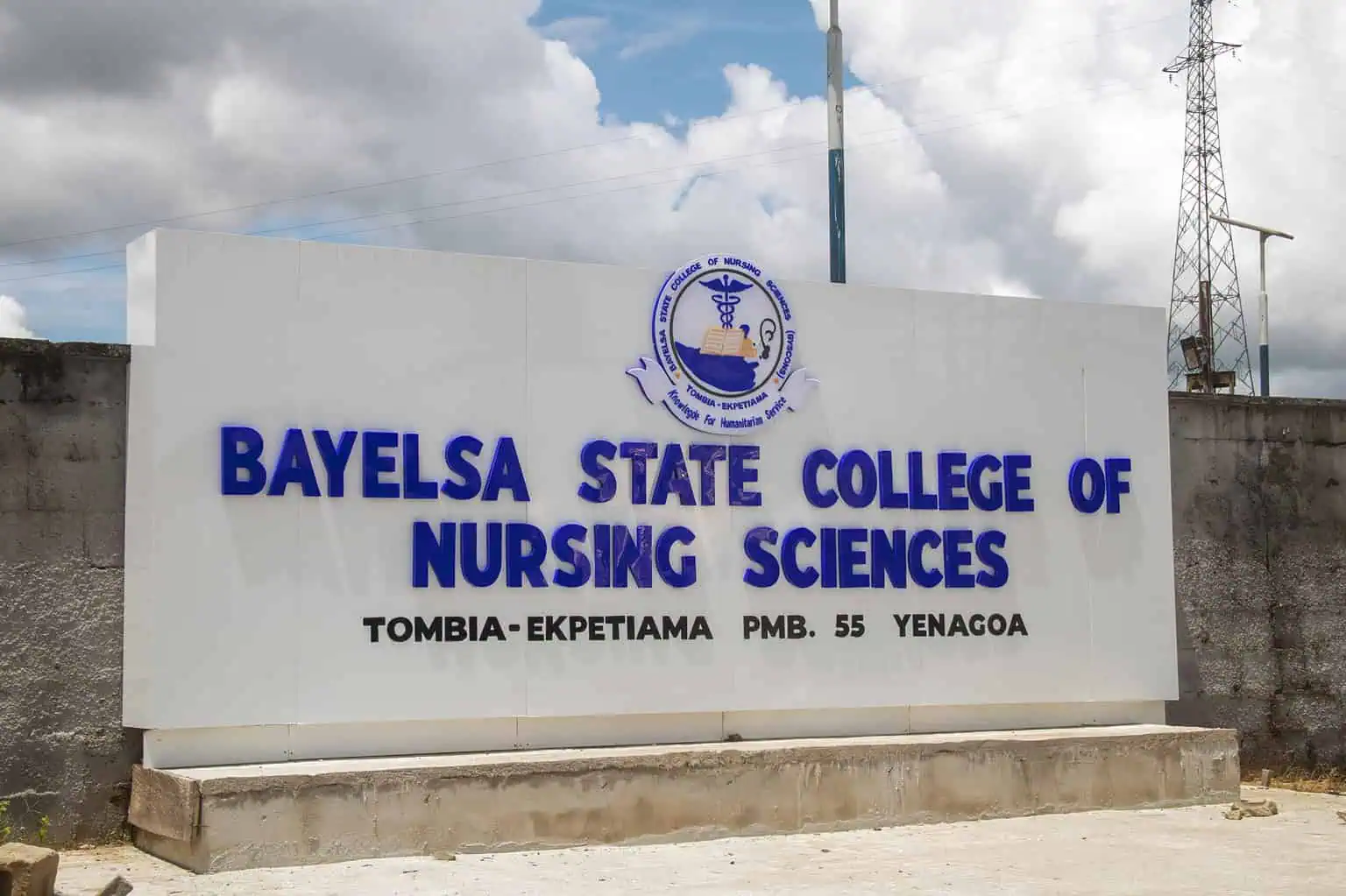
The BYSCONS Admission List for the 2025/2026 academic session has been officially released. The management of the Bayelsa State College of Nursing Sciences (BYSCONS), Tombia-Ekpetiama, has published the names of successful candidates admitted into the National Diploma (ND) and Higher National Diploma (HND) Nursing programmes.

Students who applied for admission can now check their status on the college’s portal. To make things easy, here’s a clear guide on how to check and complete the admission process.


How to Check BYSCONS Admission List

Follow the steps below to confirm your admission status:

  1. Visit the BYSCONS admission status portal.
  2. Enter your application code in the space provided.
  3. Click on the Check Status button to view your admission result.

Once confirmed, admitted students must proceed with payment and documentation as directed by the college to secure their spot.

Admission and Payment Steps for Admitted Students

To ensure a smooth start, the college has outlined clear steps that every admitted student must follow.

Step 1: Acceptance Fee Payment

Pay a non-refundable Acceptance Fee of ₦50,000 to the account below:

  • Bank: Sterling Bank
  • Account Number: 0097373620
  • Account Name: Bayelsa State College of Nursing Sciences Tombia-Ekpetiama

The deadline for payment is Wednesday, 5th November 2025. Failure to pay by this date will lead to loss of admission.

Step 2: Receipt Collection

After payment, take your deposit slip or transfer receipt to the College Bursary Department. The staff there will exchange it for an official College Receipt, which will be needed for further registration.

Step 3: Documentation and Prospectus Collection

With your official receipt, go to the Admissions Office for proper documentation. You will also receive your College Prospectus, which contains academic and administrative guidelines.

Step 4: Provisional Admission Letter Collection

Before you collect your Provisional Admission Letter, pay your School/Tuition Fee as confirmed by the Bursary Department. Present proof of payment to the Bursary for an official receipt, then take the receipt to the Registry Office to collect your admission letter.

Important Notice for All Admitted Candidates

All admitted candidates must first visit a JAMB office to update their credentials and print their JAMB Admission Letter. This is a required step for documentation at the college.

Students are advised to keep all receipts and documents safely, as they will be needed during clearance and orientation.

Admiralty University
ADUN 2nd Batch Admission List 2025/2026 is Out

The Admiralty University of Nigeria (ADUN) has released the second batch of admission offers for the 2025/2026 academic session. All candidates who applied to ADUN and selected the university as their first choice can now check their admission status through the official JAMB portal starting from 23 October 2025.

Students are encouraged to confirm their status early to complete the acceptance process and begin preparations for resumption


How to Check ADUN Admission List

Applicants can check their admission status on the JAMB CAPS portal by following these steps:

  1. Visit the JAMB E-Facility Portal.
  2. Log in with your JAMB username and password.
  3. Scroll down to find and click on “Check Admission Status.”
  4. Select “Access my CAPS.”
  5. Choose “Admission Status” to see if you have been offered admission into ADUN.

Understanding Your JAMB CAPS Response

Here’s what each admission status means:

1. Admission Offered:
Congratulations! You have been officially admitted to ADUN. You can now accept or reject your offer on the CAPS portal.

2. Admission in Progress (AIP):
Your application has been reviewed and is awaiting approval from the university and JAMB.

3. Recommended:
Your name has been sent to JAMB for final review before confirmation.

4. Not Admitted:
You haven’t been selected yet. Your application might still be under consideration, or more lists may be released later.

5. Pending:
Your application is still being reviewed, and no decision has been made yet.

What to Do After ADUN Admission Offer

Once your admission is confirmed, you must either accept or reject the offer. This can be done through:

  • Any approved JAMB CBT Centre, which you can find here:
    List of Authorised JAMB Centres
  • Or by SMS, sending ACCEPT or REJECT to 55019 or 66019 using the phone number registered with JAMB.

After accepting the offer, proceed to print your JAMB Admission Letter for documentation.

Helpful Tip for Mobile Users

If you’re checking from a mobile phone and only see a welcome message on CAPS, switch your browser to desktop mode. For best results, open the page using Google Chrome and select “Request desktop site.”

ADUN Resumption Date for New Students

According to the ADUN 2025/2026 resumption schedule, all newly admitted 100-level students are to resume on Sunday, 26 October 2025. Further details about hostel arrangements and orientation will be shared by the Student Welfare Board before the resumption date.

Welcome to ADUN

The management congratulates all newly admitted students and looks forward to welcoming them to the ADUN campus in Ibusa, Delta State. Students are advised to complete all admission steps promptly and prepare for registration and orientation.

For general inquiries, please contact 09165000222.

AFIT, Kaduna Air Force Institute of Technology
AFIT HND & Pre-HND Admission Lists 2025/2026 Out

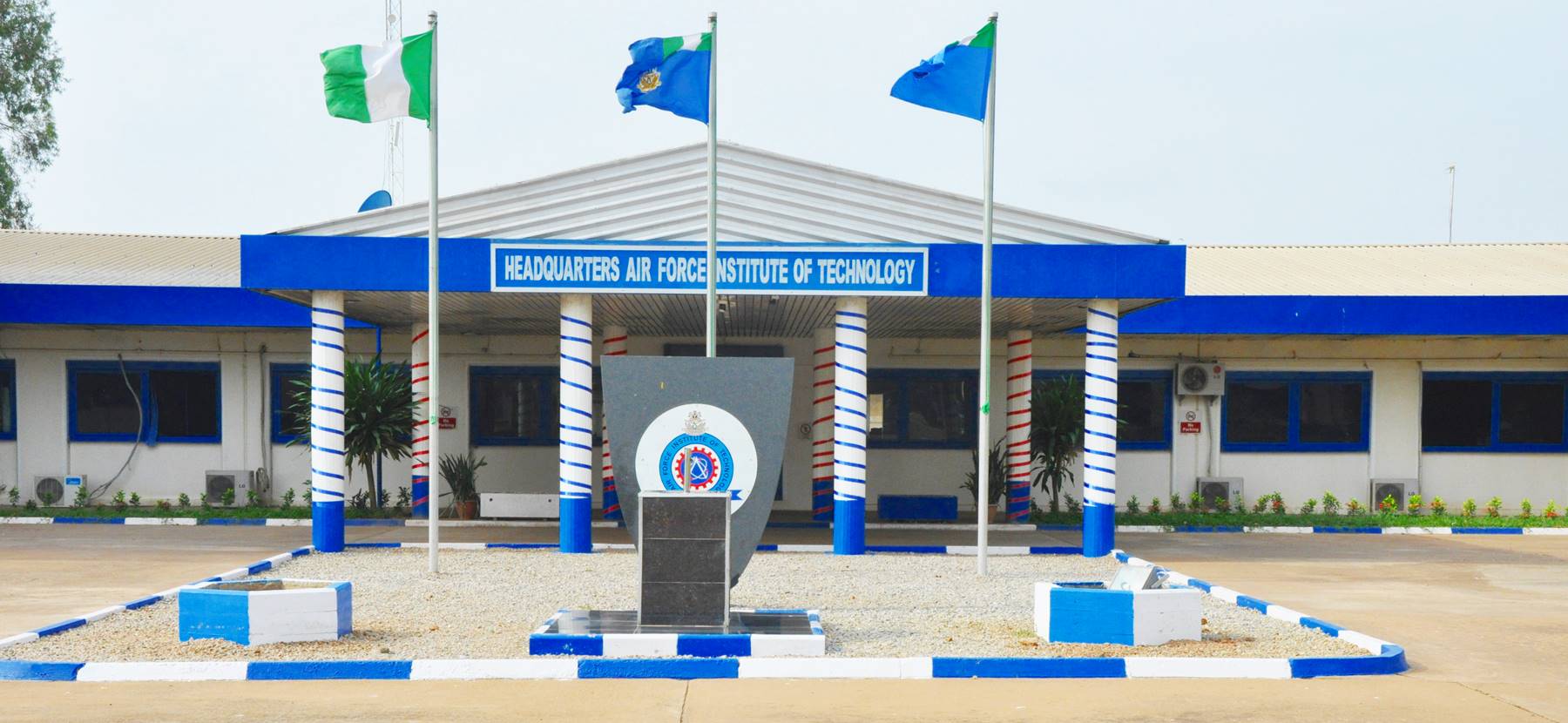
The Air Force Institute of Technology (AFIT) has released the HND and Pre-HND Admission Lists for the 2025/2026 academic session. The published lists contain the names of candidates offered provisional admission into the Higher National Diploma (HND) and Pre-HND programmes at the institute.

All applicants who participated in the admission process can now check their status online to confirm whether they have been offered a place in their chosen course.


How to Check AFIT HND and Pre-HND Admission Lists

Candidates can check their admission status online through the official AFIT portal.

To access the admission list, visit the AFIT HND and Pre-HND Admission Lists page. Alternatively, you can log in to the AFIT Student Portal using your admission number and default password.

After confirming admission, each candidate should follow the registration guidelines carefully to complete all necessary processes.

Registration Instructions for Admitted Students

Admitted students must provide the required documents during registration. These documents are needed for verification and proper record-keeping by the institute.

Required Documents

  • JAMB ND admission letter
  • Original National Diploma (ND) result
  • O’Level result(s) with result checker(s)
  • Proof of payment for acceptance fee
  • Proof of payment for school fees
  • Medical report form(s)
  • Birth certificate or age declaration
  • Certificate of origin (state or local government)
  • Letter of good conduct from a parent or guarantor

All documents should be complete and neatly arranged to prevent any delay during the registration exercise. Students are encouraged to start registration early to allow enough time for verification.

University of Nigeria UNN
UNN 1st Batch Merit Admission List for 2025/2026 Out

The University of Nigeria, Nsukka (UNN) has released the official Admission List for the 2025/2026 academic session. The list includes the names of candidates offered provisional admission into various undergraduate programmes at the university.

All candidates who took part in the UNN post-UTME screening exercise can now check their admission status online to confirm whether they have been offered a place.


How to Check the UNN Admission List

The primary admission list is available online for easy access. Candidates can download the full list of admitted students by visiting the UNN Admission List PDF.

Alternatively, applicants can log in to the UNN Student Portal at unnportal.unn.edu.ng using their JAMB registration number to confirm their admission details directly.

What to Do After Checking the UNN Admission List

Candidates who have been offered admission should complete the following steps to finalise their acceptance.

1. Upload O’Level Results to JAMB Portal

Visit a JAMB-approved CBT Centre to upload your O’Level results. Submit proof of upload and your admission status printout from JAMB CAPS to the Admissions Office at UNN. This process must be completed before proceeding with registration.

2. Accept Admission on JAMB CAPS

Log in to the JAMB CAPS Portal and click “Accept Admission.” Candidates who fail to do this will not receive their JAMB Admission Letter.

3. Generate and Pay the Acceptance Fee

Log in to the UNN Portal using your JAMB registration number to generate a payment invoice. The acceptance fee is ₦30,000, payable at any commercial bank or UNN Microfinance Bank. Ensure you collect a confirmation slip showing your Confirmation Number and Invoice Number after payment.

4. Print the Admission Slip and Complete Acceptance Form

After payment, return to the portal to print your admission slip and fill out the acceptance form online. Keep printed copies for record purposes.

5. Proceed With Registration and Other Payments

Follow all instructions on the University of Nigeria official website for course registration, hostel allocation, and other necessary payments.

Important Information for Admitted Students

All admissions are provisional. If it is later discovered that a candidate does not meet the minimum entry requirements as set by the Senate of the University, the offer of admission will be withdrawn — even if the candidate has reached final year. Details of these requirements can be found in the JAMB Brochure.

Federal Polytechnic Ilaro
Ilaro Poly ND Part-Time Admission List 2025/2026 Out

The management of Federal Polytechnic, Ilaro has released the ND Part-Time Admission List for the 2025/2026 academic session. This list includes the names of candidates offered provisional admission into the National Diploma (ND) Part-Time programme.

Applicants who participated in the admission process can now check their status and confirm if they have been offered a place.


How to Check the Federal Polytechnic, Ilaro ND Part-Time Admission List

The admission list is available online and can be viewed on any device that supports PDF files. To find your name, visit the link below:

Download the Federal Polytechnic, Ilaro ND Part-Time Admission List (1st Batch)

All candidates admitted into the ND Part-Time programme should note that they are not eligible for the National Youth Service Corps (NYSC). Instead, successful graduates will receive a Certificate of Exclusion from NYSC.

Next Steps for Admitted Candidates

1. Pay the Acceptance Fee

Successful candidates are required to pay an acceptance fee of ₦40,200 (Forty Thousand, Two Hundred Naira).

Deadline for payment: Tuesday, 28th October 2025.

You can follow the detailed process provided in the official Ilaro Poly ND Part-Time Acceptance Fee & Registration Guidelines.

2. Complete JAMB Part-Time Registration

Before making the acceptance payment, all ND Part-Time candidates must complete the JAMB Part-Time application form. Visit any JAMB office in Nigeria or an approved JAMB CBT Centre to do this.

After completing the JAMB registration, submit the form alongside your O’Level results to the Admission Office at Federal Polytechnic, Ilaro.

3. Proceed with Full Registration

Once payment and verification are completed, students can continue with the registration steps on the official Federal Polytechnic, Ilaro portal.

All admitted candidates are encouraged to read the provided registration instructions carefully and ensure that every required document is submitted

Modibbo Adama University, Yola MAUTECH
MAU Postgraduate Admission List 2025/2026 Out

The Modibbo Adama University (MAU) has released the Postgraduate Admission List for the 2025/2026 academic session. The first and second batches are now available online for all applicants who participated in the university’s postgraduate admission process.

This announcement brings good news to many who have been waiting to confirm their admission status into MAU’s postgraduate programmes.


How to Check MAU Postgraduate Admission List

The university has made it simple for candidates to access the MAU Postgraduate Admission List. Both the first and second batches are available on the official page of the College of Postgraduate Studies.

Clicking either link will take you directly to the published lists containing the names of admitted candidates. If the page loads slowly, refreshing after a short while often helps.

What to Do After Checking Your Name

If you have been offered admission, congratulations. Here are the next key steps to follow:

  1. Prepare for the registration process once the university announces the schedule.
  2. Review all fees and payment details carefully before proceeding.
  3. Gather and arrange all required documents for verification.
  4. Complete your course registration within the given timeframe.

Completing these steps promptly ensures a smooth start to your postgraduate studies.

Nnamdi Azikiwe University UNIZIK
Steps to UNIZIK Merit Admission List 2025/2026 Online

Nnamdi Azikiwe University has released the 2025/2026 admission list for incoming students. This notice explains how to check your UNIZIK Admission List online, understand JAMB CAPS messages, and what to do next. Kindly read on for full details and guidance.

The wait is finally over for many students eager to join Nnamdi Azikiwe University. The UNIZIK Admission List for the 2025/2026 academic session has been released. For some, it’s a moment of pure joy seeing their names appear; for others, it’s another chance to stay hopeful. Either way, the announcement brings answers after weeks of checking portals and asking friends for updates.

If you’re unsure how to check your admission status or what the messages on your JAMB CAPS mean, this short guide breaks it all down.


How to Check the UNIZIK Admission List

At the moment, admission details are available on the JAMB CAPS portal. Here’s how to confirm your status:

  1. Visit the JAMB EFacility portal.
  2. Log in with your JAMB username and password.
  3. Scroll to Check Admission Status and click it.
  4. Select Access my CAPS.
  5. Click on Admission Status to see if you’ve been offered admission into UNIZIK.

What Each Response on JAMB CAPS Means

1. ADMISSION OFFERED:
Congratulations! JAMB has approved your admission. Go ahead to accept or reject it on the CAPS portal.

2. ADMISSION IN PROGRESS (AIP):
This means the university has recommended you for admission. It’s awaiting approval from both the head of the school and JAMB.

3. RECOMMENDED:
Your application meets the school’s criteria and awaits JAMB’s final review.

4. NOT ADMITTED:
You haven’t been offered admission yet. The school may not have released all lists, or your status could still be pending.

5. PENDING:
Your application is still being processed. Keep checking back for updates.

What to Do After Admission Has Been Offered

Once your status shows “Admission Offered”, proceed to accept or reject it using one of these methods:

  • Through BIOMETRICS at an approved JAMB CBT Centre, or
  • By sending ACCEPT or REJECT to 55019 or 66019 via the phone number linked to your JAMB profile.

After acceptance, print your JAMB Admission Letter for official use.

Trouble Checking on a Mobile Device?

If you’re using a phone and can’t see the full CAPS page, switch to Desktop Mode. On Chrome, tap the menu and select Request Desktop Site. This will show the full admission status page.

Sa'adu Zungur University SAZU
SAZU Supplementary Admission List 2025/2026 Out

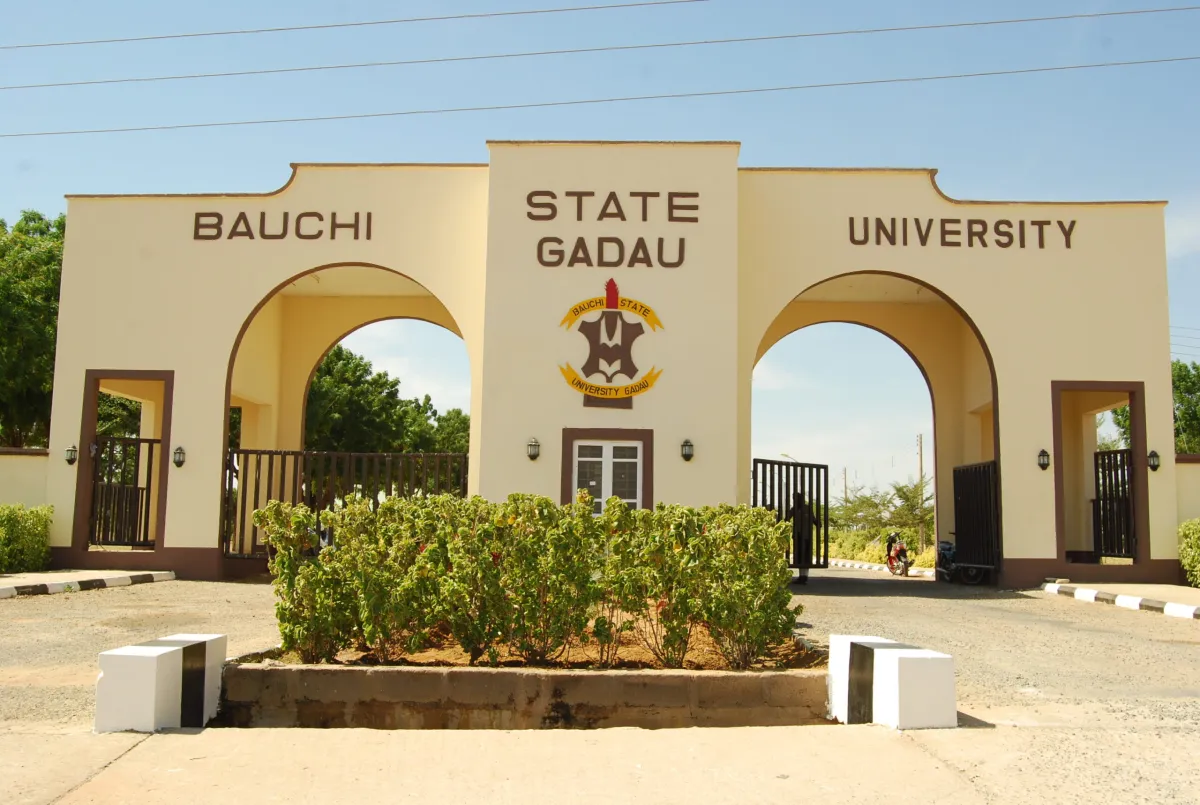
The SAZU Supplementary Admission List for the 2025/2026 academic session has been released. Sa’adu Zungur University, Gadau (formerly Bauchi State University, Gadau), has published the names of successful candidates offered admission into various undergraduate programmes. Applicants can now check their admission status online through the university’s official portal.

How to Check the SAZU Supplementary Admission List

Candidates can view their admission status on the official SAZU supplementary list page. The page contains the complete list of admitted students for the 2025/2026 session.


To make checking easier, candidates should:

  1. Visit the official university website.
  2. Locate the Admissions or News section.
  3. Click on the link for “Supplementary Admission List 2025/2026.”
  4. Search for their name or registration number.

Physical Screening for Admitted Candidates

All shortlisted candidates are expected to attend physical screening, which starts on Monday, 20th October 2025. The exercise will take place at the respective campuses where each programme is based. The screening process will end on Friday, 24th October 2025, so students are encouraged to arrive early and come prepared.

Documents Required for Physical Screening

Candidates must bring both the originals and photocopies of these documents:

  • JAMB Result Slip
  • SSCE Result (Computer Printout)
  • Online Screening Form
  • One recent passport photograph
  • Scratch Card for O’Level Result Verification

It is also necessary for each candidate to upload their O’Level results to the JAMB Portal at an accredited centre before attending the screening.

What to Do After the Screening

Two or three days after the screening exercise, candidates should log in to the JAMB CAPS Portal to confirm their admission. Those who have been offered admission must accept it and then print their JAMB Admission Letter.

Only candidates who accept their offer on JAMB CAPS will be able to view their full admission details on the university’s portal.

Kano College of Nursing Sciences
Kano State College of Nursing Sciences Admission List 2025/2026

The Kano State College of Nursing Sciences Admission List for the 2025/2026 academic session has been released. Candidates who applied for admission into the ND Nursing programme can now check their admission status online.

This announcement applies to all applicants who participated in the recent admission process and are waiting to confirm their placement into the college.


How to Check the Kano State College of Nursing Sciences Admission List

Currently, admission status can be accessed only through the JAMB CAPS portal. Follow the steps below to check your status:

  1. Visit the JAMB E-Facility portal.
  2. Log in with your JAMB username and password.
  3. Scroll to find and click on “Check Admission Status.”
  4. Select “Access my CAPS.”
  5. Click on “Admission Status” to see if you have been offered admission into the Kano State College of Nursing Sciences.

Possible Status Messages on JAMB CAPS

1. Admission Offered:
Congratulations! You have been offered admission. Proceed to accept or reject the offer on the CAPS portal.

2. Admission in Progress (AIP):
Your application is under review and awaiting approval from both the college and JAMB.

3. Recommended:
You have been recommended for admission and are awaiting JAMB’s final approval.

4. Not Admitted:
You are yet to be considered. This could mean your application is still under review or the college has not released your batch.

5. Pending:
Your admission process is still ongoing, and a decision has not been made.

What to Do After Checking Your Status

If you have been offered admission, proceed to accept or reject it using one of the following methods:

  • Visit an authorised JAMB CBT centre or follow this approved list of centres.
  • Send ACCEPT or REJECT via SMS to 55019 or 66019 using the phone number linked to your JAMB profile.

After accepting your admission, print your JAMB Admission Letter.

Viewing Tips for Mobile Users

If you are checking your admission status on a phone, switch your browser to desktop mode for full access. Chrome users can tap the menu icon and select “Request Desktop Site” to view the complete CAPS page.

Garu Islamic College
Garu Islamic College of Health Tech Admission List 2025/2026

The Garu Islamic College of Health Technology Admission List for the 2025/2026 academic session has been released. The management of Garu Islamic College of Health Technology (GICHT), Bauchi, has published the list of successful candidates offered provisional admission into its various programmes. Applicants who participated in the admission process can now confirm their status.

How to Check the Garu Islamic College of Health Technology Admission List

The admission list has been displayed on the NOTICE BOARD within the school premises. All prospective students are advised to visit the college to check for their names.


Those whose names appear on the list have been offered admission into one of the approved courses for the new session.

Collection of Admission Letters

Successful candidates are to collect their admission letters starting from Monday, 13th October 2025. The process will take place at the school premises.

When coming for collection, bring along the following items:

  • O-Level result(s) for verification.
  • JAMB result (if applicable).
  • Acceptance fee of ₦5,000.

Failure to complete the admission process on time may lead to forfeiture of the offer.

What to Do After Checking the Garu Islamic College of Health Technology Admission List

After confirming admission, candidates should proceed with the necessary documentation and prepare for the new academic session. It is also advisable to make photocopies of all credentials and payment receipts for record-keeping.

Federal Polytechnic Oko
Oko Poly HND Admission List 2025/2026 is Out

The Federal Polytechnic Oko HND Admission List for the 2025/2026 academic session is now out. Applicants for the Higher National Diploma (HND) programmes at Federal Polytechnic Oko can finally check their admission status. For many students, this moment marks the next big step in their academic path at one of Nigeria’s respected polytechnics.

How to Check the Federal Polytechnic Oko HND Admission List

Finding out if your name appears on the list is easy. Follow these quick steps to confirm your admission status:


  1. Visit the Oko Poly admission portal.
  2. Choose ‘Higher National Diploma’ from the Student Type menu.
  3. Enter your Application Number exactly as it appears on your application form.
  4. Click ‘Confirm Status’ to view your result.

If your name is on the list, congratulations! You’ve officially earned your place in the Federal Polytechnic Oko HND programme.

What to Do After Admission

Once admitted, you need to take a few steps to secure your spot. Newly admitted HND students are required to pay an acceptance fee of ₦30,000. Payment confirms your admission and reserves your place in the programme.

Remember to complete this process within two weeks of the admission announcement. Delays could mean losing your place to another candidate.

What Awaits You at Oko Poly

Students who join Oko Poly can expect practical learning, a welcoming environment, and a strong community of peers and lecturers. The institution is known for its hands-on teaching and commitment to preparing students for real-world challenges. Whether you’re studying business, engineering, or technology, Oko Poly offers a balanced mix of theory and application that helps students thrive.

Federal Polytechnic Oko
Federal Poly Oko ND Admission List 2025/2026

The Federal Polytechnic Oko Admission List for the 2025/2026 academic session has been released. It includes the names of candidates offered provisional admission into the National Diploma (ND) programmes. Applicants who took part in the admission process can now check their status online through the school portal.

How to Check the Federal Polytechnic Oko Admission List

To see if you have been offered admission, follow these simple steps:


  1. Visit the Federal Polytechnic Oko admission portal.
  2. From the Student Type drop-down menu, choose ‘National Diploma’.
  3. Enter your JAMB Registration Number carefully in the space provided.
  4. Click ‘Confirm Status’ to view your result.

If your name appears, congratulations! You have been offered admission into the National Diploma programme at Federal Polytechnic Oko.

Acceptance Fee and Payment Details

For new ND students, the acceptance fee is ₦30,000. Payment confirms your admission and secures your place in the new session. Candidates are encouraged to make this payment as soon as possible to avoid losing their slot.

What to Do If You Are Admitted

After confirming your admission on the portal, take these next steps to finalise your entry:

  1. Accept or Reject Your Admission: Go to the JAMB CAPS portal and choose to accept or reject the offer.
  2. Print Your JAMB Admission Letter: Once you’ve accepted the offer, print your official letter from the JAMB Admission Letter portal.

Checking Your Federal Polytechnic Oko Admission Status on JAMB Portal

You can also check your admission through the JAMB website by following these steps:

  1. Visit the JAMB E-Facility portal.
  2. Log in using your JAMB username and password.
  3. Scroll to find ‘Check Admission Status’ and click it.
  4. Select ‘Access my CAPS’.
  5. Click on ‘Admission Status’ to view if you have been admitted into Federal Polytechnic Oko.

What Awaits Successful Candidates

Those admitted into Oko Poly can look forward to an engaging learning experience and a friendly academic environment. The polytechnic offers diverse programmes with practical teaching that prepares students for their future careers.

Federal Polytechnic, Nasarawa FPN
Federal Poly Nasarawa HND Admission List 2025/2026

The Federal Polytechnic, Nasarawa HND Admission List for the 2025/2026 academic session is out. Applicants who took part in the Higher National Diploma (HND) application process can now check their names to see if they have been offered admission. For many students, this moment brings both excitement and anticipation as they wait to confirm their next academic step.

Some successful candidates have already found their names on the list, while others continue to check the portal with high hopes. The admission process is ongoing, so more names may appear in the next updates.


How to Check the Federal Polytechnic, Nasarawa HND Admission List

The school has made it easy for students to confirm their admission status. Follow these simple steps:

  1. Go to the Federal Polytechnic, Nasarawa admission portal.
  2. Enter your Application Number in the space provided.
  3. Click the ‘Check’ button to view your status.

If your name appears, congratulations! You have been offered provisional admission into one of the HND programmes at Federal Polytechnic, Nasarawa.

What to Do If Your Name Is Not on the List Yet

If you do not find your name immediately, there’s no need to worry. The admission process is still active, and the school may release more batches. Keep checking the portal regularly for updates.

Next Steps After Admission

For candidates whose names appear on the list, it is important to proceed with registration and payment of the required acceptance fee within the time stated by the school. Completing these steps early helps secure your place for the new academic session.

Federal Polytechnic, Nasarawa FPN
Fed Poly Nasarawa ND Admission List 2025/2026 Out

The Federal Polytechnic, Nasarawa Admission List for the 2025/2026 academic session is out. It contains the names of candidates offered admission into the National Diploma (ND) full-time programmes. Those who applied and took part in the post-UTME screening can now check if they have been offered admission. For many applicants, this is the long-awaited confirmation of their next academic step at the polytechnic.

How to Check the Federal Polytechnic, Nasarawa Admission List

Candidates can confirm their admission status through the school’s official portal by following these simple steps:


  1. Go to the Federal Polytechnic, Nasarawa admission portal.
  2. Enter your Application Number in the box provided.
  3. Click the ‘Check’ button to view your status.

If your name appears, congratulations. You have been offered provisional admission into one of the ND programmes at Federal Polytechnic, Nasarawa.

What to Do If You Are Admitted

After confirming your name on the list, complete the following steps to secure your admission:

  1. Accept or Reject the Offer: Visit the JAMB CAPS portal to either accept or reject your admission offer.
  2. Print Your JAMB Admission Letter: Once accepted, print your letter from the JAMB Admission Letter portal.

Completing these steps early ensures that your admission is secured for the 2025/2026 session.

How to Check Your Federal Polytechnic, Nasarawa Admission Status on JAMB Portal

You can also check your admission status using the JAMB portal by following these steps:

  1. Go to the JAMB E-Facility portal.
  2. Log in using your JAMB username and password.
  3. Scroll to find and click on ‘Check Admission Status’.
  4. Select ‘Access my CAPS’.
  5. Click on ‘Admission Status’ to see if you have been offered admission into Federal Polytechnic, Nasarawa.

What to Expect as a New Student

Newly admitted students can look forward to a supportive learning environment, practical teaching, and a variety of academic programmes designed to prepare them for the workplace. With dedicated lecturers and accessible facilities, Federal Polytechnic, Nasarawa offers students a strong foundation for their studies.

Akwa Ibom State Polytechnic (AKWAIBOMPOLY)
Akwa Ibom State Poly ND Admission List 2025/2026

The Akwa Ibom State Polytechnic (AkwaPoly) Admission List for the 2025/2026 academic session has been released. Candidates who applied for the National Diploma (ND) programme at Akwa Ibom State Polytechnic, Ikot Osurua, can now check their admission status online. The list contains the names of successful applicants who have been offered provisional admission.

How to Check the Akwa Ibom State Polytechnic Admission List

Students can confirm their admission status through the official school channels. Follow these steps to check:


  1. Visit the official Akwa Ibom State Polytechnic Facebook page to view the published list.
  2. If your name appears, log in to your JAMB CAPS profile and accept your admission offer.
  3. Generate an invoice and pay a non-refundable acceptance fee of ₦15,000 on the school portal.
  4. After payment, take your Remita invoice to your department for screening and registration.

Candidates are reminded to come along with their JAMB Admission Letter and all original credentials for verification during the screening process.

Important Notice

Students are strongly advised not to pay money to anyone or make payments through unauthorised accounts, including POS transfers. All payments must be done directly through the school’s official portal.

Acceptance fee payment starts on Wednesday, 15th October 2025, by 12:00 pm.
Candidates who do not see their names yet should remain patient, as more batches of the admission list will be released soon.

What Next After Checking the Akwa Ibom State Polytechnic Admission List

Once your admission has been confirmed, complete your acceptance process, proceed to your department for documentation, and prepare for the start of lectures. Keeping all payment receipts and official documents safe will make your registration easier.